Monitor Arms for Big Ultrawide Monitors (Up to 49 Inches)
Many 49-inch super-ultrawides weigh 25 to 35 lb or more, which is well past the roughly 17.6 lb limit of a standard arm, so you need a heavy-duty arm rated for the weight and size. These researched picks are rated for 49-inch screens at 37.4 to 44 lb, plus one heavier-duty option.
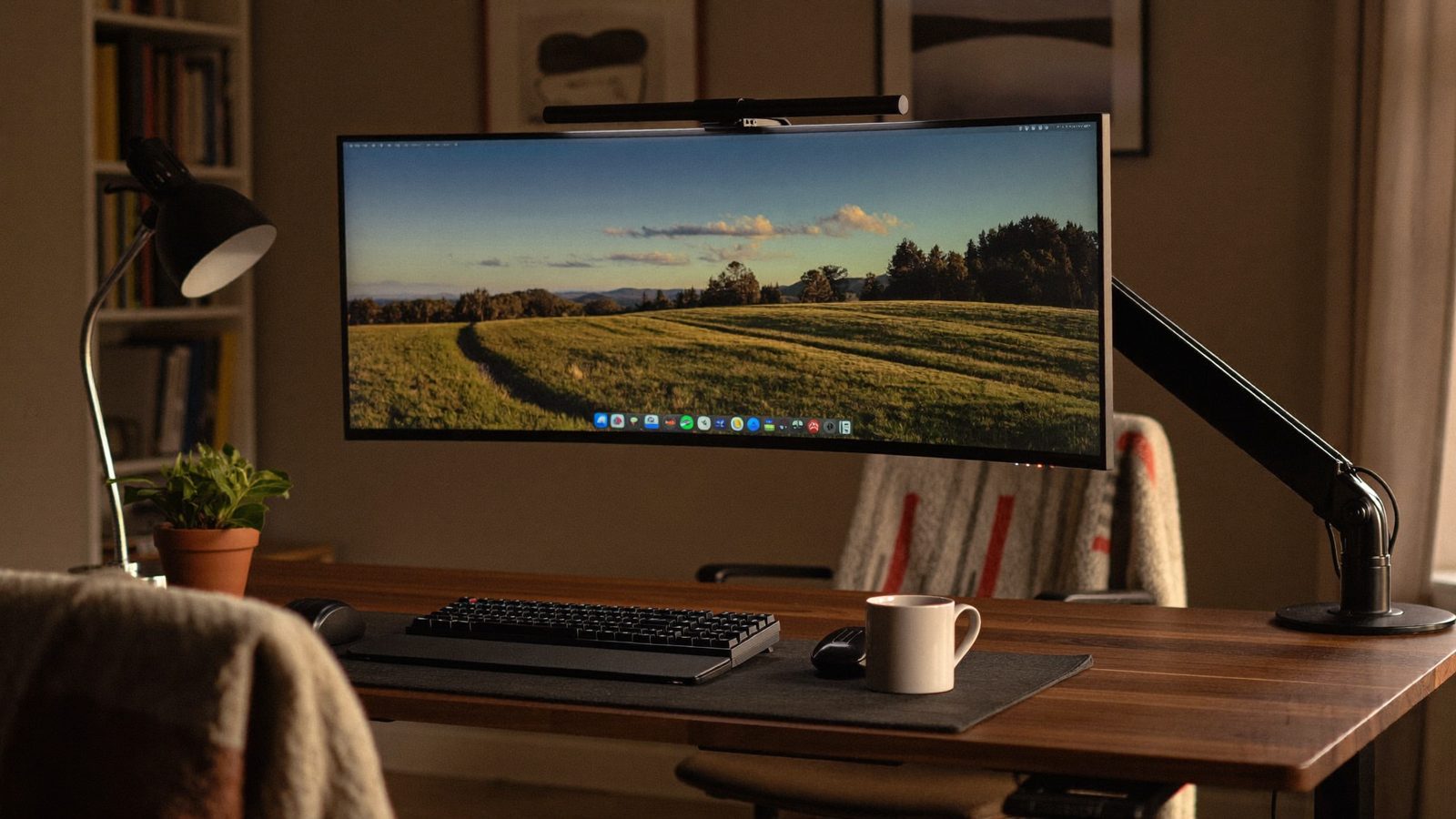
How we picked: these are researched picks, not hands-on tests. We compare the specs that matter for this question, using the makers' own pages and other trustworthy sources, and link every source below. We never show prices, because they change daily; check the current price on Amazon. As an Amazon Associate I earn from qualifying purchases.
At a glance
| Pick | Max screen size and weight | VESA | Desk thickness (C-clamp) | Desk thickness (optional grommet) | Material |
|---|---|---|---|---|---|
| VIVO Aluminum Ultrawide Monitor Tension Arm (STAND-V101V black / STAND-V101VW white) Odyssey G9 owners with thick desktops | Up to 49" and 44 lbs | 75x75 mm or 100x100 mm | Up to 3.2" | Up to 1.4" | Aluminum |
| ErGear Heavy Duty Monitor Arm for 13–49″ Ultrawide Screens Lighter 49-inch screens that sit comfortably under 37.4 lbs | — | 75x75 / 100x100mm | — | — | — |
| ThunderTech Pros QTH-2E Heavier screens or monitors with a larger VESA pattern such as 200x200 | — | Up to 400x400 mm | — | — | — |
How to choose
- Weight capacity with headroom: Weight is usually the real limit for a 49-inch screen. Most standard arms are rated for about 17.6 lb, while many 49-inch super-ultrawides weigh 25 to 35 lb or more. Compare the arm's maximum against your monitor's weight, including any VESA adapter.
- VESA pattern: Many popular 49-inch models, including the Odyssey G9, LG 49WQ95C and Dell U4924DW, use a 100x100 mm VESA mount. Make sure the arm supports your pattern. If your screen uses something larger, such as 200x200, you need an arm built for it.
- Screen depth and curve: Deeply curved 1000R screens stick out from the mount. Some arms list a depth range. The Ergotron HX, for example, supports 49-inch 1000R displays that are 6 to 12 inches deep, so check your monitor's depth.
- Desk thickness and mounting style: A heavy screen on a long arm puts a lot of force on your desk. Check that your desktop's thickness fits the arm's clamp or grommet range, and decide which mount suits your desk.
- Adjustment range: Tilt, swivel and height range decide whether you can put a wide screen at a comfortable eye level and angle. Look at these specs, not just the weight rating.
The picks
1. VIVO Aluminum Ultrawide Monitor Tension Arm (STAND-V101V black / STAND-V101VW white)
Best for: Odyssey G9 owners with thick desktops
VIVO lists this arm as designed for the Samsung Odyssey G9 and rates it for screens up to 49 inches and 44 lbs. Its C-clamp fits desks up to 3.2 inches thick, which helps if your desktop is too thick for many clamps.
- Max screen size and weight
- Up to 49" and 44 lbs
- VESA
- 75x75 mm or 100x100 mm
- Desk thickness (C-clamp)
- Up to 3.2"
- Desk thickness (optional grommet)
- Up to 1.4"
- Material
- Aluminum
2. ErGear Heavy Duty Monitor Arm for 13–49″ Ultrawide Screens
Best for: Lighter 49-inch screens that sit comfortably under 37.4 lbs
This steel arm fits screens from 13 to 49 inches and comes with both a C-clamp and a grommet mount. Its 37.4 lb capacity is the lowest in this list, so it suits only 49-inch monitors whose weight, including any adapter, stays below that.
- Screen size
- 13″–49″
- Weight capacity
- 37.4 lbs
- VESA
- 75x75 / 100x100mm
- Mounting
- Dual C-clamp and grommet
- Build
- Thickened steel arm
3. ThunderTech Pros QTH-2E
Best for: Heavier screens or monitors with a larger VESA pattern such as 200x200
The maker rates this arm for screens up to 60 inches, 40 kg, and VESA patterns up to 400x400 mm, and calls it its pick for 49-inch super-ultrawides. These figures come from the maker's own article rather than a spec sheet, so confirm the details before buying.
- Max screen size
- 60 inches
- Max weight
- 40 kg
- VESA
- Up to 400x400 mm
Tips
- Weigh your setup the way the arm will carry it: the monitor plus any VESA adapter or bracket. Then pick an arm whose maximum is comfortably above that number.
- Measure how deep your curved monitor is from the mount to the front of the curve. Some arms, such as the Ergotron HX, list a supported depth range.
- Measure your desktop's thickness before ordering and compare it with both the clamp and the grommet ranges. The grommet range is often smaller.
- Some arms come in versions with different weight ratings, such as RGB and non-RGB models. Check the exact model before you buy.
- Check your monitor's VESA pattern. Many 49-inch screens use 100x100 mm, but if yours is larger, you'll need an arm that supports it.
Questions
- Why can't I use a regular monitor arm for a 49-inch super-ultrawide?
- Most standard arms are rated for about 17.6 lb, but many 49-inch super-ultrawides weigh 25 to 35 lb or more. The VESA mount is usually not the problem, since many of these screens use 100x100 mm. The weight is.
- Do these arms fit the Samsung Odyssey G9's mount?
- The Odyssey G9 uses a 100x100 mm VESA mount, and every pick here supports 100x100. Ergotron, VIVO and Mount-It! also specifically name the Odyssey G9 as compatible.
- Should I use a clamp or a grommet mount?
- Either can work if your desk fits the arm's stated thickness range. Clamps on these arms generally accept thicker desks than the grommet options do, so measure your desktop and check both ranges before you buy.
Sources
- https://www.amazon.com/dp/B0F87G2YZD
- https://www.amazon.com/dp/B0GJZNQ417
- https://thundertechpros.com/en/news/monitor-arm-ultrawide-screens/
- https://www.bhphotovideo.com/c/product/1652493-REG/ergotron_45_647_224_hx_desk_monitor_arm.html
- https://www.markertek.com/product/ergo-45-647-224/ergotron-45-647-224-hx-desk-monitor-arm-with-hd-pivot-for-immersive-1000r-curved-screens-matte-black
- https://www.amazon.ca/VIVO-Aluminum-Ultrawide-Designed-STAND-V101V/dp/B0F87G2YZD
- https://www.mount-it.com/products/heavy-duty-single-monitor-arm
- https://www.amazon.com/dp/B0DRBV538G
- https://macsources.com/huanuo-titan-rgb-monitor-arm-review/